Autodiscover Email Settings 
Mail clients can set up an account from nothing but the address and the password, if the provider tells them where its servers are. This service does that for your mail domains: it answers the configuration requests of Thunderbird, Outlook and ActiveSync clients, offers configuration profiles for iPhone, iPad and Mac, and shows a support page with the manual settings.
It does not touch your mail server. It only describes it, from a handful of environment variables.
What it answers 
| Client | Request | Endpoint |
|---|---|---|
| Thunderbird, and clients using the same format | Autoconfig | /mail/config-v1.1.xml, /.well-known/autoconfig/mail/config-v1.1.xml |
| Outlook, and Thunderbird as a fallback | Autodiscover, XML | /autodiscover/autodiscover.xml |
| New Outlook for Windows, via Microsoft's cloud | Autodiscover v2, JSON | /autodiscover/autodiscover.json |
| iOS, iPadOS and macOS Mail | Configuration profile | /email.mobileconfig?email=<address> |
| ActiveSync clients | Autodiscover, MobileSync schema | /autodiscover/autodiscover.xml |
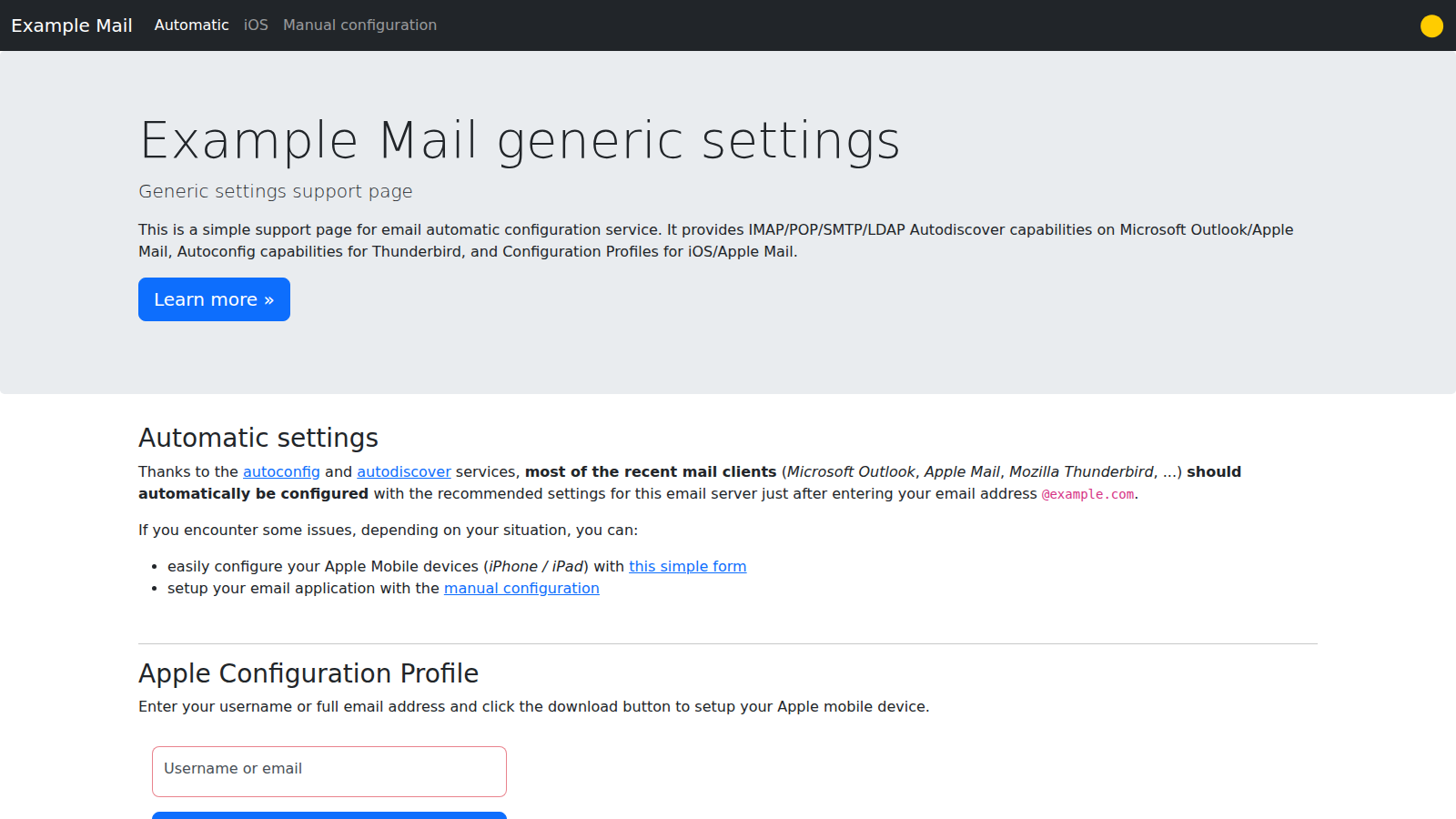
| People | Support page with the manual settings | / |
Quick start 
- Point
autoconfig.example.comandautodiscover.example.comat the host that will run the service, see DNS and certificates. -
Start the container with your servers, see Docker Compose:
docker run -d -p 8000:8000 \ -e DOMAIN=example.com \ -e IMAP_HOST=mail.example.com \ -e SMTP_HOST=mail.example.com \ -e POP_HOST= \ ghcr.io/freifunkmuc/autodiscover-email-settings:latest -
Put it behind a reverse proxy that terminates HTTPS for both names, see Reverse proxy.
- Check what clients get, see Troubleshooting.
Every setting is described in Configuration.